PenCake Desktop App
Write with a minimal design even on your desktop. Boost your productivity and creativity.
Version 0.6.0

The desktop app is a service provided to Premium users. (Free users are only able to try out limited features.)
The current desktop app is a preview version, not the final version, and some features are still under development. As development progresses, completed features will be deployed sequentially through automatic updates.
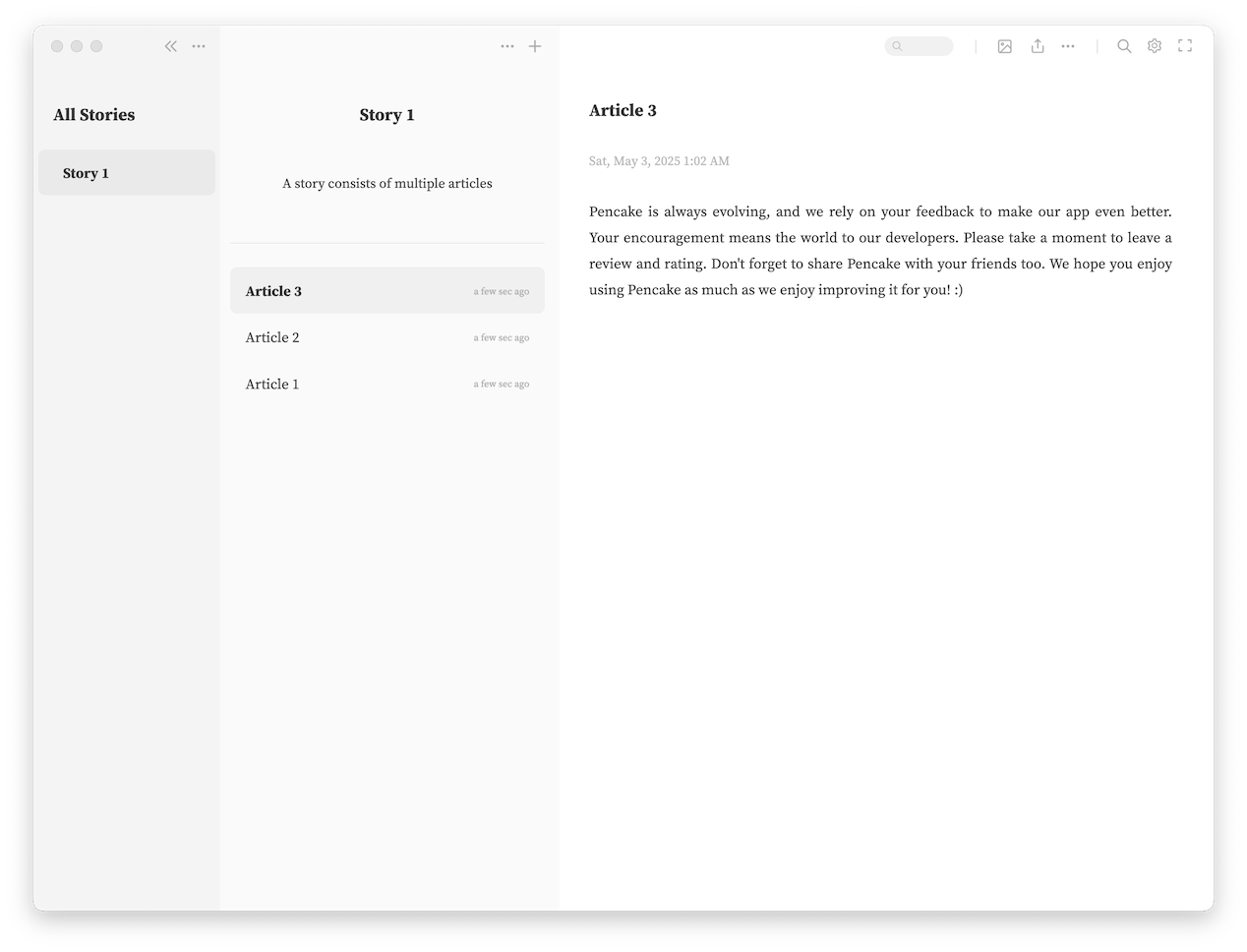
How It’s Different from the Mobile App
Quick Preview
Preview how your formatting looks instantly with a keyboard shortcut during editing.
In-Article Search
Easily find the desired information within an article.
A find-and-replace feature is also available in edit mode.
Improved Global Search
Quickly search all content within the app using a keyboard shortcut.
Directly jump to the exact location of search results.
Export Feature
Export as PDF or DOCX files.
Desktop App User Guide
The PenCake desktop app is a service provided to Premium users.
Free users will experience the following limitations:
- Inability to save articles
- No automatic synchronization
Premium can be purchased via the mobile version.
After purchase, perform the sync setup in the order: the mobile version → the desktop version, to activate your Premium in the desktop version.
If you’re already using synchronization on the mobile version, you just need to set up additional synchronization on the desktop version.
Caution: Incorrect synchronization settings may result in data loss. If you need help, please contact us at: pencake.app@gmail.com
Keyboard Shortcuts
General
| Action | macOS | Windows |
|---|---|---|
| Edit article | Double-click at the location you want to edit | Double-click at the location you want to edit |
| In-article search | ⌘+F | Ctrl+F |
| End in-article search | Esc | Esc |
| View as full page | ⌘+\ | Ctrl+\ |
| Exit full page mode | ⌘+\ | Ctrl+\ |
| Global search across app | ⌘+Kor⌘+P | Ctrl+KorCtrl+P |
Edit Mode
| Action | macOS | Windows |
|---|---|---|
| Save and exit | ⌘+S | Ctrl+S |
| Find | ⌘+F | Ctrl+F |
| End find | Esc | Esc |
| Preview | ⌘+P | Ctrl+P |
| Exit preview | ⌘+PorEsc | Ctrl+PorEsc |
| Bold | ⌘+B | Ctrl+B |
| Italic | ⌘+I | Ctrl+I |
| Underline | ⌘+U | Ctrl+U |
| Strikethrough | ⌘+Shift+S | Ctrl+Shift+S |
| Highlight | ⌘+Shift+H | Ctrl+Shift+H |
Changelog
Start writing at your desk.
PenCake Desktop App v0.6.0 for macOS and Windows.